
How to Use ML Textures® in the Main 3D Software
The textures downloaded from ML Textures® are designed to be used in the main 3D software and rendering engines that support PBR materials. In just a few steps, you can import them, assign them to a material, and obtain realistic previews already during the design phase.
The workflow is simple and universal.
- Download the texture: choose the resolution that best suits your project and extract the files.
- Create a new material in your 3D software or rendering engine.
- Connect the PBR maps to the correct material slots: Roughness, Normal, Height, or Displacement.
- Adjust scale and orientation of the texture using UVs, mapping, or tiling.
- Optimize the final result by refining intensity, bump/displacement, and pattern repetition.
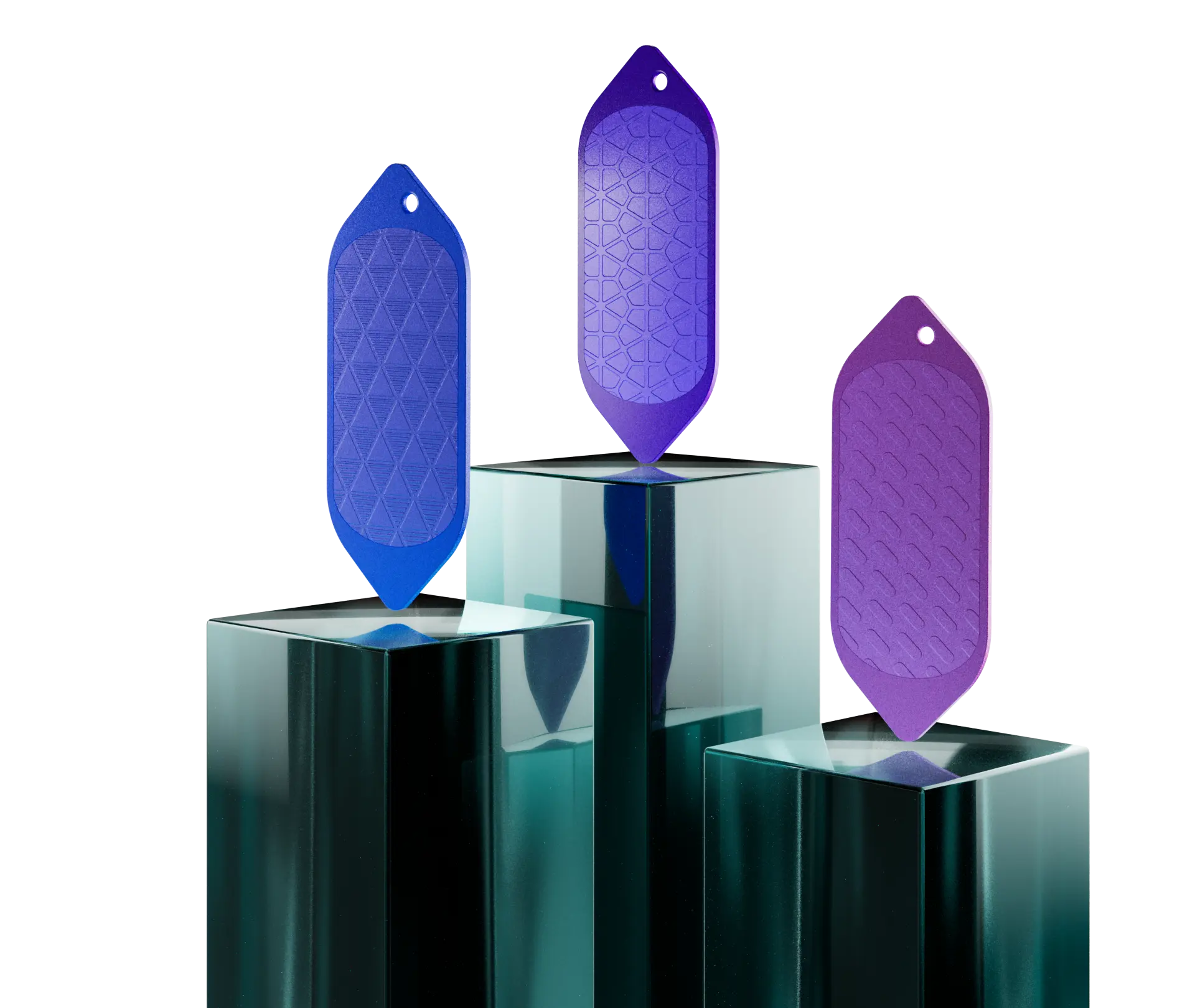
PBR workflow for visualization and product development
Quick Guide by Software
ML Textures® can be easily integrated into the most widely used 3D software. Here is a quick guide to get you started:
- Blender: connect the maps to the material using Principled BSDF and manage scale and rotation through the UV system or mapping nodes.
- 3ds Max: import the textures into a Physical Material or into the material of the renderer you are using, such as V-Ray or Corona.
- Cinema 4D: assign the maps to the corresponding material or renderer channels and control tiling directly from the texture tag.
- Maya: use a PBR material connecting color, roughness, normal, and displacement.
- SketchUp: apply the texture to the base material and, if needed, complete the setup with the rendering plugin you use.
- Other software: if your software supports PBR materials, you can follow the same map assignment principles.
Useful Tips for Better Results
To achieve a preview that faithfully reflects the final result, we recommend working with clean UVs, maintaining the correct texture proportions, and always checking the surface behavior under different lighting conditions. Whenever available, use bump or displacement maps as well to enhance the material appearance.
If you have any questions, our team can support you in choosing the most suitable texture and provide technical guidance for integrating it properly into your modeling, rendering, or industrialization workflow.
From Texture to Real Project
Once the visual result has been validated on the 3D model, we can also support you in the next steps: texture customization, feasibility assessment, sampling, and transfer to the production process.